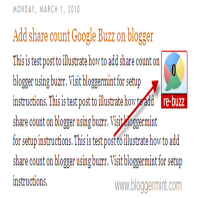


Google Buzz share count button can be seen in Mashable, but you can opt the same on your Blogger / Blogspot blogs. Its been three weeks after the launch of Google Buzz, Buzrr a new website, which exactly works like Tweetmeme for Twitter came out with exciting features. In addition to that Buzrr has released a share count button for Google Buzz, which can be added to blogs and websites. So here is our tutorial to add Google Buzz share count button for Blogger / Blogspot blogs.

Step 1: Navigate to Blogger dashboard > Layout > Edit HTML and Expand Widget Template. Now search for <div class=’post-header-line-1’/> or <data:post.body/> soon after this code place the below code
<div style='float:right; margin-right:10px;'>
<script src='http://www.buzrr.com/button.js'></script>
</div>
Step 2: Save your template, you are all done. Now your blogger blog has share count Google Buzz plugin.
Update: ReBuzzthis has released a new share count button, with compact and large button. So to make this change, just replace the script
<script src="http://www.buzrr.com/button.js">
With
<script src="http://rebuzzthis.com/buttons/button_105.js" type="text/javascript"></script>
If you want a compact version just use this code
<script src="http://rebuzzthis.com/buttons/button_106.js" type="text/javascript"></script>