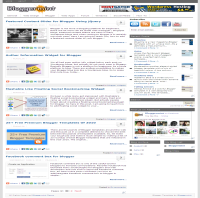


Finally its time for me to launch Bloggermint blogger template to all Blogger lovers. The template is a free premium category to satisfy users with almost all aspect and I hope you people like it. Bloggermint Blogger template was a WordPress look alike Blogger template and from now on, I have planned to release some premium Blogger template for FREE. Before, talking into the instruction part, let me point out the advantages and the features of this template.
- SEO optimized
- Clean and neat interface
- Premium features like bubble comments, page numbered navigation
- Easy to customize
- Author widget below every post
- Sleek Facebook and Twitter share count button
- Navigation bar with sub nav.
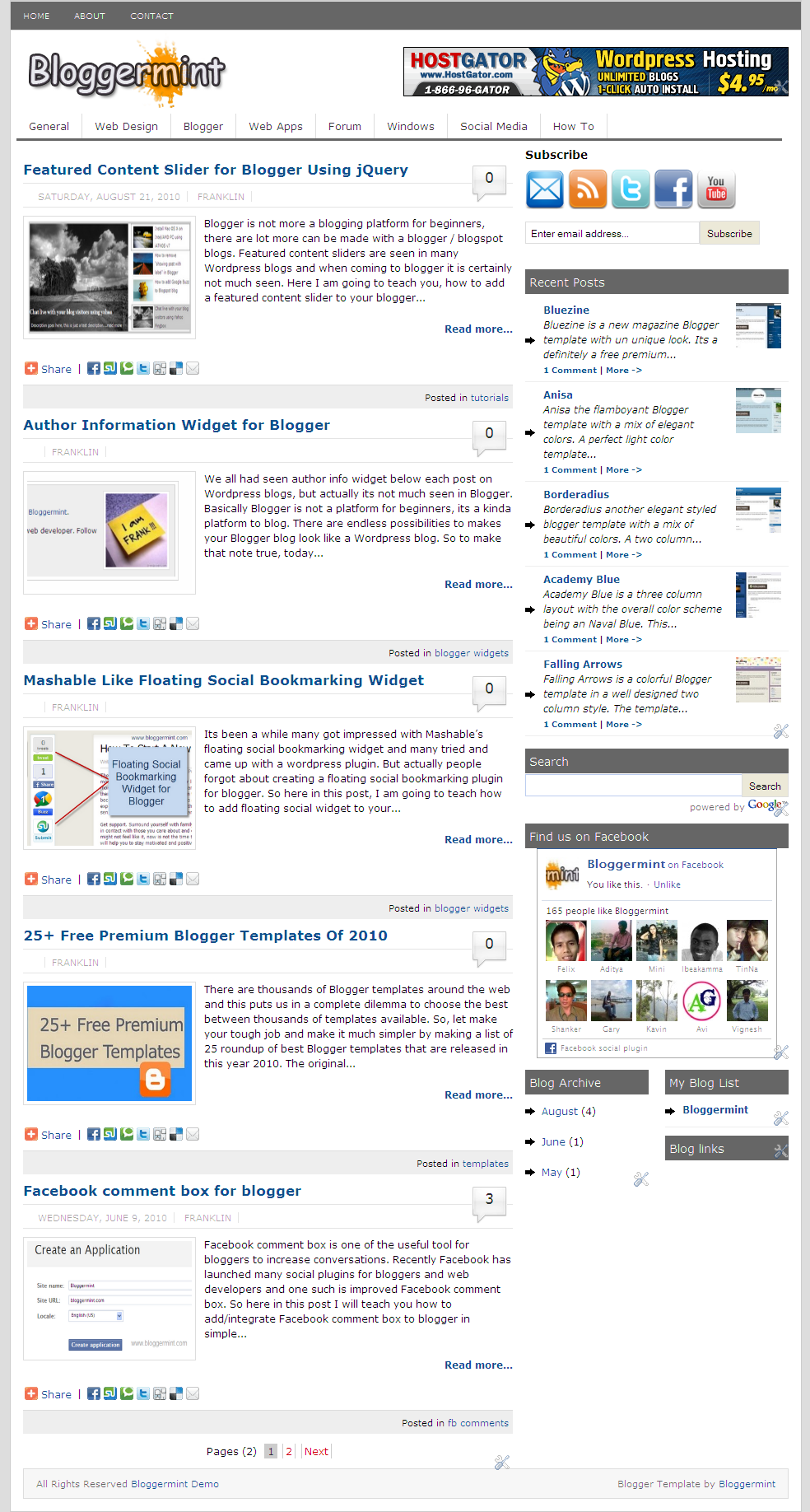
Author Info Widget
In order to edit the text in the author card, go to Edit HTML, expand the template and search for <div class=’author_info’> and change the necessary text, which you like to appear on the author card. To change the author image create an image with 130×130 pixels and change this URL http://i50.tinypic.com/iw7lec.jpg with your image uploaded URL.
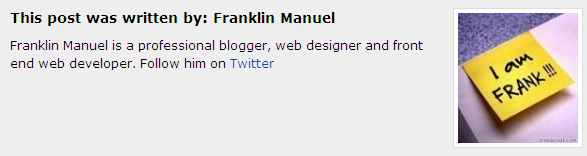
Header Banner
You can see, a default ad display on the header bar, to place your ad instead of that – Go to Page Elements and click on HTML/Javascript box and replace the code with your banner code.
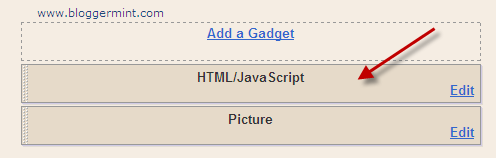
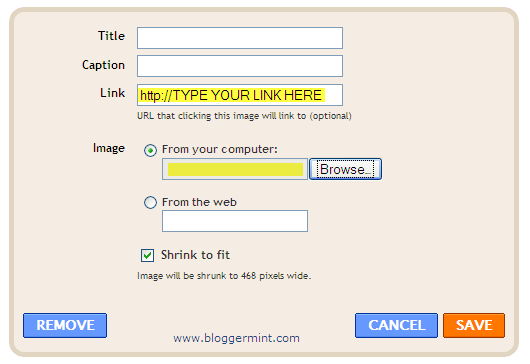
I have also added a picture box, where you can add an image and link the image to any affiliate links. You can either upload image from your computer or you can link it from your web server. By default all the image will be shrink to 468 pixels wide.
Twitter Share Button
By default the Twitter share has blogger as the share path, so to change that go to Edit HTML, expand the template and search for data-via=’bloggermint’ and replace bloggermint with your TWITTER HANDLE.
Subscribe Bar
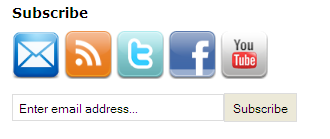
By default subscribe icons has bloggermint links, to change that search for <h3 style='margin-bottom:10px;'>Subscribe</h3> and change it to your appropriate links.
Navigation bar
To change the default link that points to my blog, search for <ul id='nav1'> and change the link appropriately, then for the second navigation bar search for <ul id=’nav2′> and do the same process.

Still have any issue, drop in your comments. I will help you out.