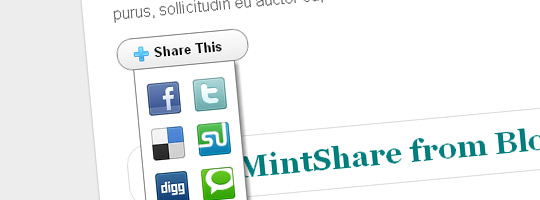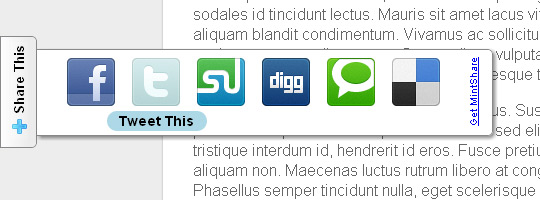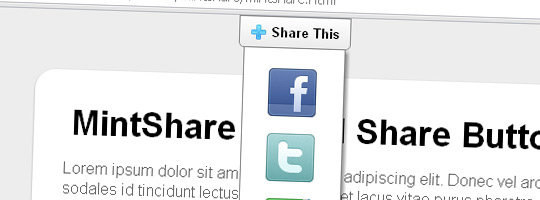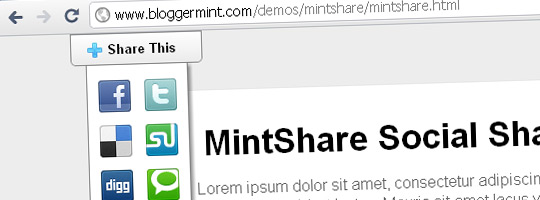
Hundreds of social bookmarking plugins / widgets available on the Internet. So you may ask, why do we need another. Ok, let me tell you why we made MintShare in a simple way. Mint Share is one of the few CSS and HTML based widget. At our Bloggermint lab, we spend good time to come up with this widget. Made based on CSS & HTML without using any Javascripts, these buttons are really fast-loading and small in size. Thanks to Paul Robert Lloyd for the beautiful social media icons.
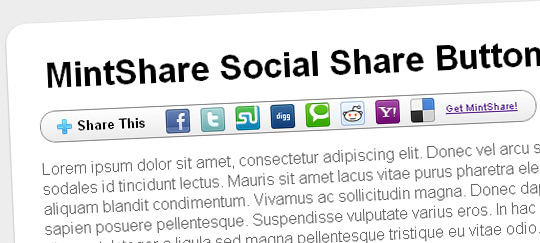
We’ve used some CSS3 effects such as border-radius, box-shadow and transition. These CSS3 effects are only visible in Mozilla Firefox, Google Chrome, Safari and other CSS3 supporting browsers except IEs and the transition/animation effect is only visible in Webkit browsers.
For Blogger
1. Sign into Blogger > Design > Edit HTML. Check or tick [/] the ‘Expand Widget Templates‘ at top right corner of editor.
2. Click on any of the ‘CSS‘ link below to get the CSS code of the button that you wish to use. Copy the CSS code and paste it just before </b:skin> closing tag in your Blogger Template.
3. Copy the HTML code of the button you wish to use by clicking on the ‘HTML‘ link placed next to ‘CSS’ link.
4. Now, search for <data:post.body/> using CTRL+F. Paste that HTML code immediately after <data:post.body/> tag and click ‘Save’.
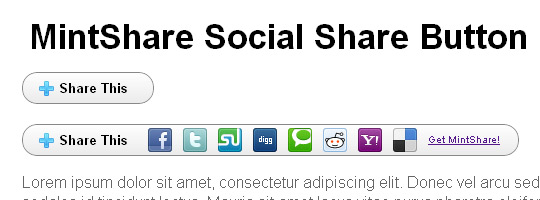
MintShare Mini

MintShare Compact

MintShare Classic Float Left

MintShare Classic Float Top

MintShare Compact Float Top

For WordPress
Click the button below to download the WordPress Post Share URLs ready source file.
For HTML Websites
Click the button below to download the Post Share URLs ready source file.
Don’t forget to share your thoughts about our work!


rencontre en ligne
it is realty a good site .i like ur site.
if u have
Very cool effect buddy
My blog looks cool with this widget
Hi,
Can you explain how to use this on a wordpress site?
Thanks
Yes,
I would also love to know how to implement this on WordPress.
Hi, great post, but just can’t get this to work :/
this paste the codes where you have told me but i still cannot see the buttons
Not i firefox, not in chrome. what can I do?
http://zagrebcity.blogspot.com/
thank you in advance
Pingback: CSS And CSS3 Buttons, 110 Best Sets ! | Free Website Template Center
This is nice. Thanks a lot.
why the link be like this ?
http://zamal-tkj.blogspot.com/2012/02/%22http://twitter.com/share?url=%22%20+%20data:post.url%20+%20%22&title=%22%20+%20data:post.title
Um, it kind of works, but doesn’t look the way it’s supposed to. IT just shows up as a bulleted list of icons
I’m having the same result. It doesn’t even float like the title said it would.
Many thanks for this. Just what I was looking for.
I like this,,,
nice post…
Can you please improve this so it will display share count with icons.
Thank you.
How To Put This in Dynamic Views ?
good job!
do you know the code to make it work for G+ as well?
thanks a lot
found!
https://plusone.google.com/_/+1/confirm?hl=en&url=
very nice article learned a lot form this.
Thanks Bro It Was Best Social Sharing Buttons
Thanks!
I will definitely try this plugins
Nice share!
Hope this plugin works well.
My website is a blog, but is of
Cool, nice !