

Last week when I was talking with one of my mates he explained me the importance of Google+ One button. Ever since he explained I thought of giving it a try on my blog. Unfortunately Google+ doesn’t have custom URL button like Facebook and Twitter. Alright so I went on to search for it and lucky found an awesome piece of tutorial from Bob Belderbos on this blog.
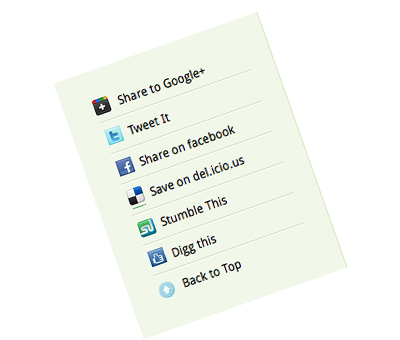
Before I start sharing his piece of work, let me tell you about some related sources for custom Google+ share button.
Google+ bookmarklet from Aj Batac
Custom Google+ button from Alex Moss
I do recommend reading both of the above resources to get a clear idea of Google+ custom share button.
The mechanism used by Bel is somewhat similar to Facebook Like button. He used javascript to define height & width for the popup box and to grab the actual URL of that web page.
You can see the implementation of custom Google+ share button on the left hand side.
<a href="
  javascript:(
    function(){
    var w=480;var h=380;
    var x=Number((window.screen.width-w)/2);
    var y=Number((window.screen.height-h)/2);
    window.open('https://plusone.google.com/_/ 1/confirm?hl=en&url=' encodeURIComponent(location.href) '
      &title=' encodeURIComponent(document.title),'','width=' w ',height=' h ',left=' x ',top=' y ',
      scrollbars=no');
      })();">
  Share to Google </a>
Now if you want to add your own custom image for the Google+ use this code below
<a href="
  javascript:(
    function(){
    var w=480;var h=380;
    var x=Number((window.screen.width-w)/2);
    var y=Number((window.screen.height-h)/2);
    window.open('https://plusone.google.com/_/ 1/confirm?hl=en&url=' encodeURIComponent(location.href) '
      &title=' encodeURIComponent(document.title),'','width=' w ',height=' h ',left=' x ',top=' y ',
      scrollbars=no');
      })();" style="background: url(/ENTER THE IMAGE PATH/googleplus.png) no-repeat;">
  Share to Google </a>
Thats it. Thanks to Bel for sharing the code.
Follow us on Google+ for more updates.