

Google+ comments for WordPress is something I looked forward after the launch of Google+ commenting system for Blogger. This WordPress plugin uses the Google plus comment system that’s used in Blogger and this is not an official plugin from Google.
All thanks to the developer Brandon for creating a perfect plugin that works seamlessly with WordPress. G+ comments is a great alternative to the native WordPress system in terms of spam protection and better security.
How to add Google+ Comments to WordPress
Step 1: Download and install the plugin to your WordPress.org blog or Go to Plugins > Add New and search for “Google+ Comments” and then install the plugin.
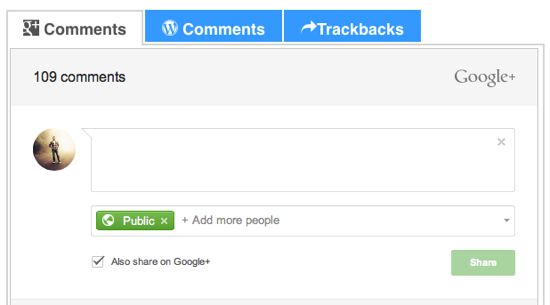
Step 2: Once activated, you can see both Google+ and WordPress comments in tabs. I would call this a smart option instead of just replacing the existing WordPress comment system and the comments.
With Google+ gaining more popularity among bloggers, this plugin would definitely take blog commenting to the level on WordPress.org blogs and I hope it does.