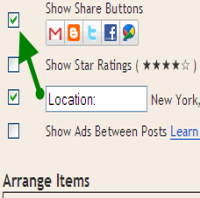


Share buttons is an essential tool to promote and after a long time Blogger has launched share buttons for blogger in draft. It seems Blogger is slowly implementing some essential features to help bloggers to blog better and its good for many who are not good at coding. So no more coding needed and lets welcome a world of simplicity.
Step 1: To active the share buttons, log in to Blogger draft and navigate to Design > Page Elements, then click on Edit of blog post widget
Step 2: Now on that pop up window, check Show Share Buttons. In order to change the position drag and dropping under the post title or under the post content.
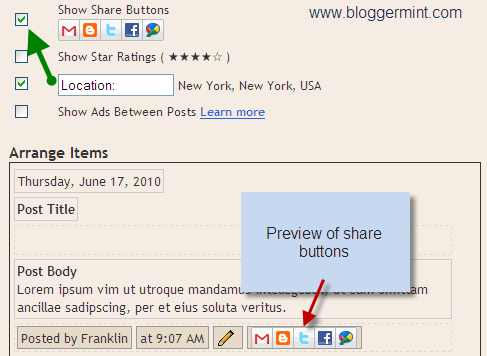
Live Demo
Hope to see many more enhancements from blogger in the future. You can also check out my tutorial on floating share bar for blogger.