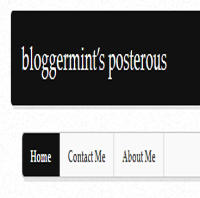


Today, Posterous adds a must awaited feature Pages which has to been asked by many Posterous users for a while. A very good news for all Posterous blog users, now you can add some professional slice and here is a little information on how to create pages. Well this gonna really benefit many and even me, if interested you can check out my Posterous blog.
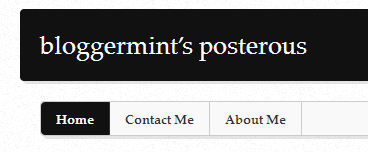
How to create pages
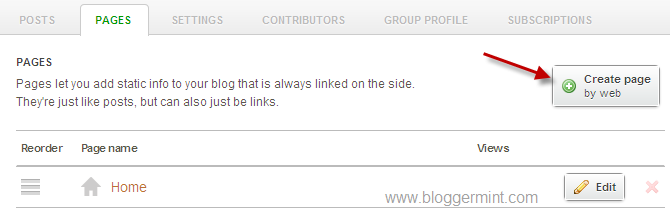
1. Login to your account and head to Manage, under manage you will find Pages tab, so click on it
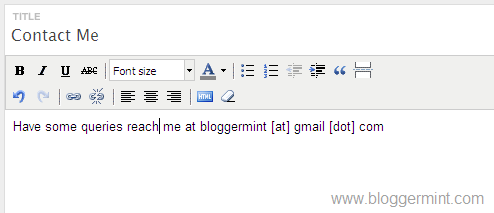
2. Now enter the title as you need (eg. Contact Me) and enter your content. Posterous uses the same editor that you get for creating posts. So, you don’t need any special skills! Just kidding, but don’t forget to hit on save button to see the changes.
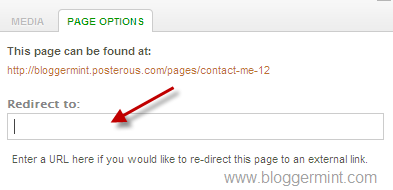
Posterous also adds a feature to redirect pages to a static URL and to do that edit any specific post and click on Page Options, which is visible on the right side of the screen.
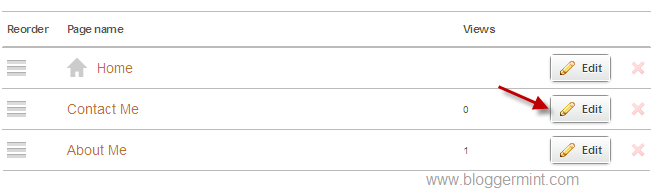
Finally, you had created a Posterous page, whew! its not that difficult actually.