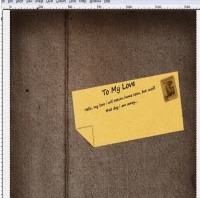


GIMP (GNU Image Manipulation Program) is another great image editing tool. It’s just like Photoshop but gimp is an open-source. GIMP is a good alternative to Photoshop, which does comes at free of cost. So you probably don’t need to spend hundreds of dollars. In this post, I am going to present you some of best gimp tutorials which I found on the net and I hope it will help the beginners.
Creating Fireball and Explosion effect in Gimp

How to create Lightsaber effects


Adding life into a Flat Photograph

Make An Extremely Real Letter In GIMP


How to Design a Dramatic Winged Dragon with Gimp


If you have create any GIMP tutorials, lets share with us through the comments.